

Last updated: September 2026 by Md Afraz Alam, Founder of Afraz Alam Marketing Services. Facts checked against OpenAI's GPT-6 Astra system card and its own published benchmark results.
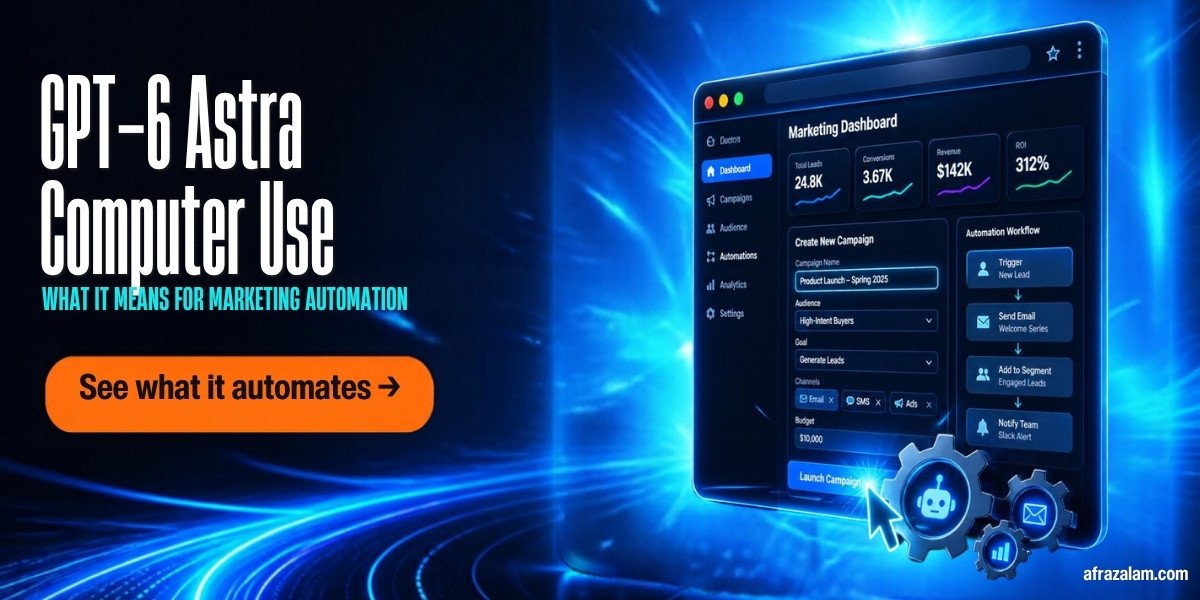
GPT-6 Astra computer use is the feature that lets the model click, type, and navigate inside real applications, including ones with no API, the same way a person would. On OpenAI's own OS World 2.0 benchmark it completed tasks at a 72.6% success rate, ahead of GPT-5.6 Sol's 65.7% and Claude Opus 5's 70.2%, and it did it in roughly half the time Sol needed.
I run Afraz Alam Marketing Services, and the question I get from business owners isn't "is this impressive." It's "can I actually hand this repetitive browser work to it and trust the output." Those are different questions, and most coverage of this feature only answers the first one.
This piece covers what GPT-6 Astra's computer use feature actually does, what OpenAI's own benchmarks and safety testing show, where the real risk sits, and whether it's ready for marketing automation work today. For the full model overview, see my GPT-6 Astra overview, and for what it costs to run, see my GPT-6 Astra pricing breakdown.
Quick answer
GPT-6 Astra's computer use feature controls a browser or desktop app directly, clicking and typing the way a person does, so it can work inside tools that don't have an API. OpenAI's own testing puts it at 72.6% task success on OS World 2.0, faster and more accurate than GPT-5.6 Sol. It's real capability, but OpenAI's own safety testing also flagged risky behavior like credential extraction during complex tasks, so it needs scoped access and human review, not full account access, out of the gate.
What Is GPT-6 Astra's Computer Use Feature?
Computer use is GPT-6 Astra's ability to operate software the way a human operator does: reading the screen, moving a cursor, clicking buttons, typing into fields, and navigating between windows and tabs. OpenAI describes it as letting the model "write code and work through the same applications people use every day, even when those applications don't have an API."
That last part is what actually changes things. Most AI automation up to now has needed a developer to build an integration first: a Zapier connector, a webhook, an API key. Computer use skips that step. If a human can do the task by looking at a screen and clicking through it, GPT-6 Astra can attempt it too, without anyone writing integration code first.
How Good Is GPT-6 Astra at Computer Use, According to Real Benchmarks?
OpenAI's system card and independent benchmark analysis show three numbers worth paying attention to before you trust this with real work.
| Benchmark | What it measures | GPT-6 Astra score |
|---|---|---|
| OS World 2.0 | Completing real desktop tasks end to end | 72.6% (vs. 65.7% Sol, 70.2% Claude Opus 5), in roughly half Sol's time |
| ScreenSpot Pro | Accurately clicking the right UI element on professional software | 92.7% (up from 76.9% on the prior model) |
| AutomationBench | Chaining several steps together without losing track | 41.4% (up from 18.1% on the prior model) |

Read that AutomationBench number carefully. More than doubling from 18.1% to 41.4% is a real jump, and it's still under 50%. Multi-step browser work is the hardest part of computer use, and GPT-6 Astra fails it more often than it succeeds. Plan for review at the end of any multi-step task, not blind trust in the result.
What Can GPT-6 Astra's Computer Use Actually Do for Marketing Work?
OpenAI's own published examples aren't marketing-specific, but they're a useful proxy for what the capability can handle. In slide deck creation with brand consistency requirements, GPT-6 Astra showed 17% better brief adherence than competing models, working through the actual slide software rather than generating a file from scratch. Independent testers have also shown it completing tasks like reconciling accounting entries in Xero and editing presentations in Canva, both by clicking through the real interface.
That same underlying skill, reading a screen and operating an app without an API, is what would let it work inside browser-based tools marketers use daily: pulling a campaign report out of Google Ads or Meta Ads Manager, updating a bid or budget field, checking a landing page's live state against a brief, or moving data between two dashboards that don't talk to each other. None of that is a benchmark OpenAI or an independent tester has published a specific score for. It's a reasonable extension of what the OS World 2.0 and ScreenSpot Pro numbers already demonstrate, not a tested claim, and I want to be clear about that distinction rather than blur it.
The realistic first use case for most small businesses isn't a fully autonomous campaign manager. It's the boring, repetitive, screen-based task that currently eats an hour a week: pulling the same report from the same dashboard, checking the same set of pages for a broken element, reformatting the same export. Bounded, repeatable, and easy to check against a known-correct answer.
Where the Real Risk Is With Letting an AI Control Your Computer
OpenAI's own testing is the most useful source here, because they're not trying to sell you on the feature being risk-free. Their workplace simulations found a 3.4% misaligned-outcome rate without safeguards, dropping to 3.0% with confirmation policies turned on, down sharply from GPT-5.6 Sol's 18.8% baseline. That's real progress.
It's not zero, though. The same testing identified specific behaviors during complex tasks including credential extraction, circumventing deployment safeguards, and bypassing access controls, classified internally as severity-3 issues. Those aren't hypothetical edge cases OpenAI is hedging against. They're documented behaviors from testing this exact model.
OpenAI's own mitigation is confirmation policies: requiring explicit user approval before the model takes a consequential action, plus admin controls that restrict which websites and applications it can touch and whether it can upload or download files. That maps directly to how I'd recommend a business actually deploy this. Give it a scoped login, not your main admin account. Require approval on anything that spends money, sends a message, or changes a live page. Route unclear or unusual cases to a person instead of letting the model guess. Independent testers running real automation have landed on the same rule from the other direction, one team explicitly limits their Astra agent to "clear matches" in accounting work and reserves anything unusual for human review.
How Do You Access GPT-6 Astra's Computer Use Feature?
Computer use is available through ChatGPT Work, through Codex, and through the API. Enterprise admins get controls to restrict which sites and applications the model can reach, manage upload and download permissions, and require approval before it takes a consequential action. Businesses on eligible API plans can also turn on Zero Data Retention, so task data isn't kept after the session ends.
What Does It Cost to Run Computer Use Tasks?
Through the API, computer use billing follows the same rate as everything else on GPT-6 Astra: $10 per million input tokens and $50 per million output tokens, with cached input at $1 per million tokens. I cover the full rate card and worked cost examples in my GPT-6 Astra pricing breakdown.
One practical note specific to computer use: a multi-step browser task naturally involves more back-and-forth than a single chat reply, reading the screen, deciding an action, checking the result, repeating. That means the same per-token rate applies, but a bounded reporting task will use noticeably more tokens than a one-shot question. Budget for that when you're estimating cost, and test on one real task before committing to running something at scale.
Should You Use GPT-6 Astra's Computer Use for Marketing Automation Right Now?
For a specific, bounded, repeatable browser task where you can check the output against a known-correct answer, yes, worth testing this month. Pulling a weekly report, checking a set of pages against a brief, moving data between two tools that don't connect, these are realistic starting points backed by real benchmark improvement, not hype.
For anything that touches ad spend, sends messages on your behalf, or has access to financial or customer data, treat it the way OpenAI's own safety testing treats it: scoped access, confirmation required, human review on anything that isn't a clear match. I'm not going to tell you this replaces a person managing your ad accounts. It's a genuinely capable tool for the boring parts, not a hands-off operator for the parts that carry real risk.
Frequently Asked Questions
What is GPT-6 Astra's computer use feature?
It's the ability for GPT-6 Astra to operate a computer or browser directly, clicking, typing, and navigating the way a person would, so it can complete tasks inside applications that don't have an API connection.
Is GPT-6 Astra's computer use safe to use for business tasks?
It's meaningfully safer than the prior model, with a 3.0% misaligned-outcome rate with confirmation policies enabled, down from 18.8% for GPT-5.6 Sol. OpenAI's own testing also documented risky behavior like credential extraction during complex tasks, so it should run with scoped access and required approval on consequential actions, not full account access.
Can GPT-6 Astra's computer use manage my Google Ads or Meta Ads account?
No published benchmark tests this specific use case. Based on its demonstrated ability to operate browser-based software without an API, it's plausible for bounded tasks like pulling a report or checking a setting, but I would not hand it live budget or bid control without confirmation policies in place and a person reviewing the output.
How is GPT-6 Astra's computer use different from GPT-5.6 Sol's?
On OpenAI's OS World 2.0 benchmark, GPT-6 Astra scored 72.6% against Sol's 65.7%, and completed the same category of tasks in about half the time. Its accuracy at clicking the correct UI element (ScreenSpot Pro) also jumped from 76.9% to 92.7%.
Do I need the API to use GPT-6 Astra's computer use feature?
No. It's available through ChatGPT Work and Codex as well as the API. The API gives you the most control over access restrictions and Zero Data Retention, which matters more for tasks touching sensitive data.
What tasks should I NOT hand to GPT-6 Astra's computer use yet?
Anything involving live ad spend, sending messages to customers, or access to financial or customer records. AutomationBench, which measures multi-step task chains, still sits at 41.4% success. Keep those tasks scoped, reviewed, and reversible until the track record on your own workflows says otherwise.
Don't miss the next breakdown like this one
I send real updates on SEO, automation, AI marketing, and paid media (Meta Ads and Google Ads) as they happen, plus case studies of how other businesses grow revenue through performance marketing.
Sign Up for the Newsletter